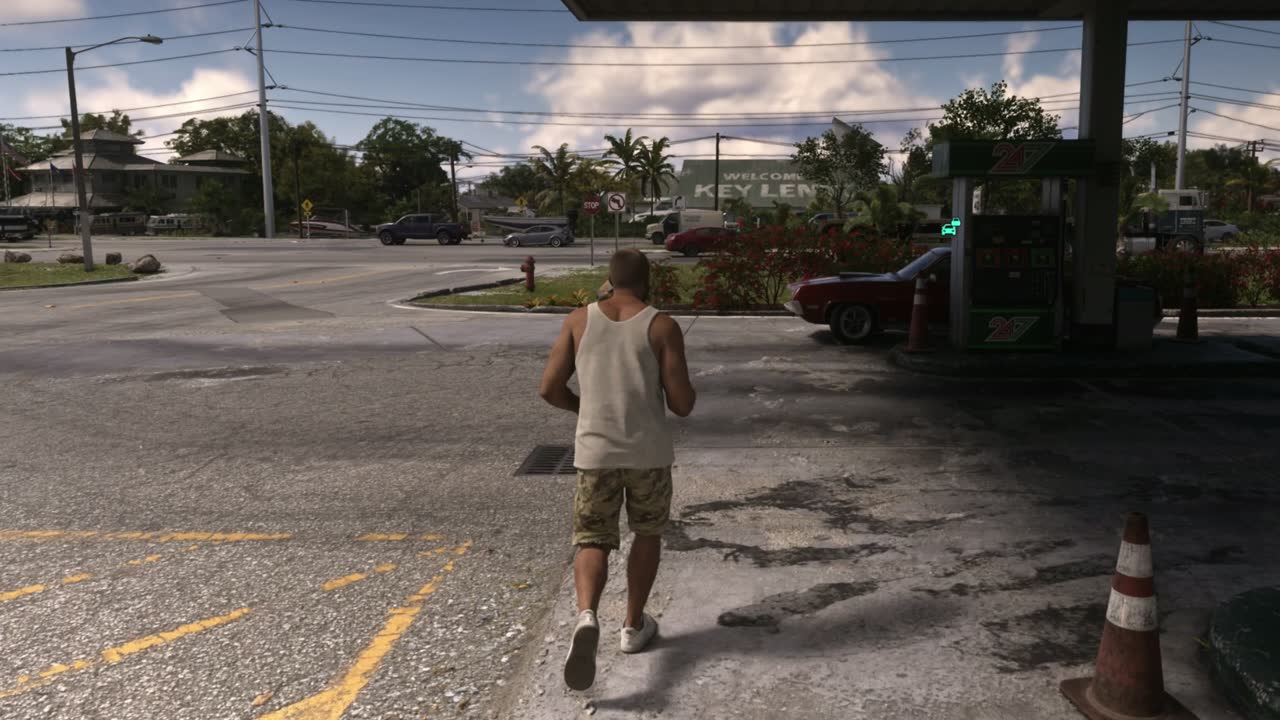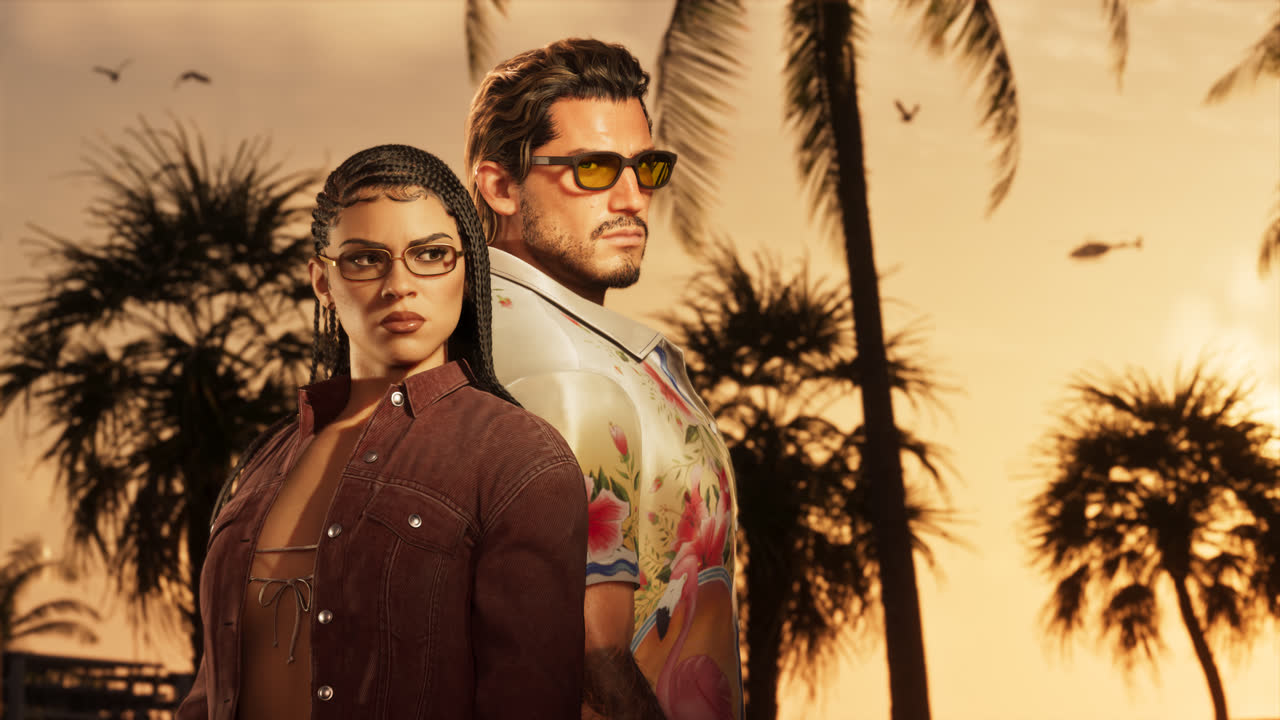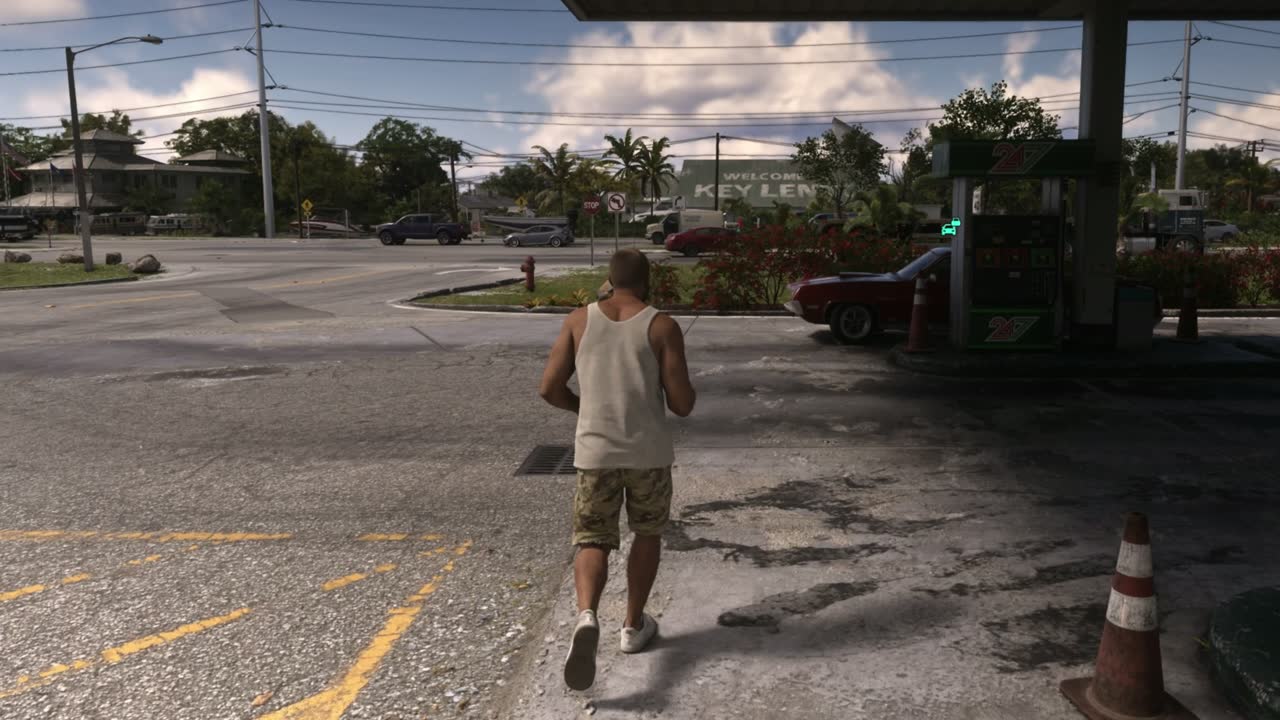
If your GTA 6 screenshots look grey, flat and washed out, HDR is the cause, not the game. The console captures the HDR picture, and it looks faded once you view or share it in normal (SDR) colour. Kotaku hit the problem on launch day and the fix is to turn HDR off in the console settings before you capture.
REPORTED: Kotaku's GTA 6 launch live blog, Nov 19, 10:02 AM ET. Rockstar hasn't commented on capture coloursWhat Kotaku found on launch day
In its GTA 6 launch live blog, a Kotaku writer playing on an Xbox Series S shared screenshots that came out washed out and asked readers, "Do all your screenshots look like this?" Kotaku called it a common HDR problem: the game looked fine on the TV, but the saved images didn't.
After the fix, the writer's Xbox screenshots first came out too dark. They only looked right after a full console restart. So restart once you change the setting.
Xbox Series X|S fix, step by step
- Press the Xbox button and open Settings.
- Go to General > TV & display options > Advanced > Video modes.
- Untick Allow HDR10. Auto HDR must be off too, or the console keeps switching back.
- Restart the console (full restart, not just closing the game).
- Load GTA 6 and take a test screenshot before a big moment.
PS5 and PS5 Pro fix
- Open Settings > Screen and Video > Video Output.
- Set HDR to Off.
- Restart GTA 6 (a console restart is safest, based on Kotaku's Xbox result) and take a test shot.
Why it happens
- HDR covers a wider brightness and colour range than a normal screen or phone shows. When an HDR capture is shown as SDR without proper conversion, it looks grey and flat.
- It isn't a GTA 6 bug. Kotaku describes it as a common HDR issue, and the same thing happens in other games on both consoles.
- Series S is where Kotaku saw it, but the HDR setting works the same way on Series X and PS5.
Keep the best picture while you play
If you only care how GTA 6 looks on your TV, keep HDR on and run the console's own HDR calibration first. Our GTA 6 best settings guide covers the in-game options, and the Digital Foundry breakdown explains how each console runs the game. Series S owners should also read why it drops toward 20 FPS.
Sources
Frequently asked questions
Why do my GTA 6 screenshots look washed out?
Because your console has HDR on. HDR captures look grey and faded when viewed in normal SDR colour. Kotaku reported it on launch day (REPORTED).
How do I fix washed-out GTA 6 screenshots on Xbox?
Settings > General > TV & display options > Advanced > Video modes, untick Allow HDR10, make sure Auto HDR is off, then restart the console.
How do I fix washed-out GTA 6 screenshots on PS5?
Settings > Screen and Video > Video Output, then turn HDR off.
Does turning HDR off make GTA 6 look worse?
On an HDR TV, yes: you lose the extra brightness and colour range. Turn it off for capturing, then back on to play.
Every guide here comes from a vAnother Level video.